
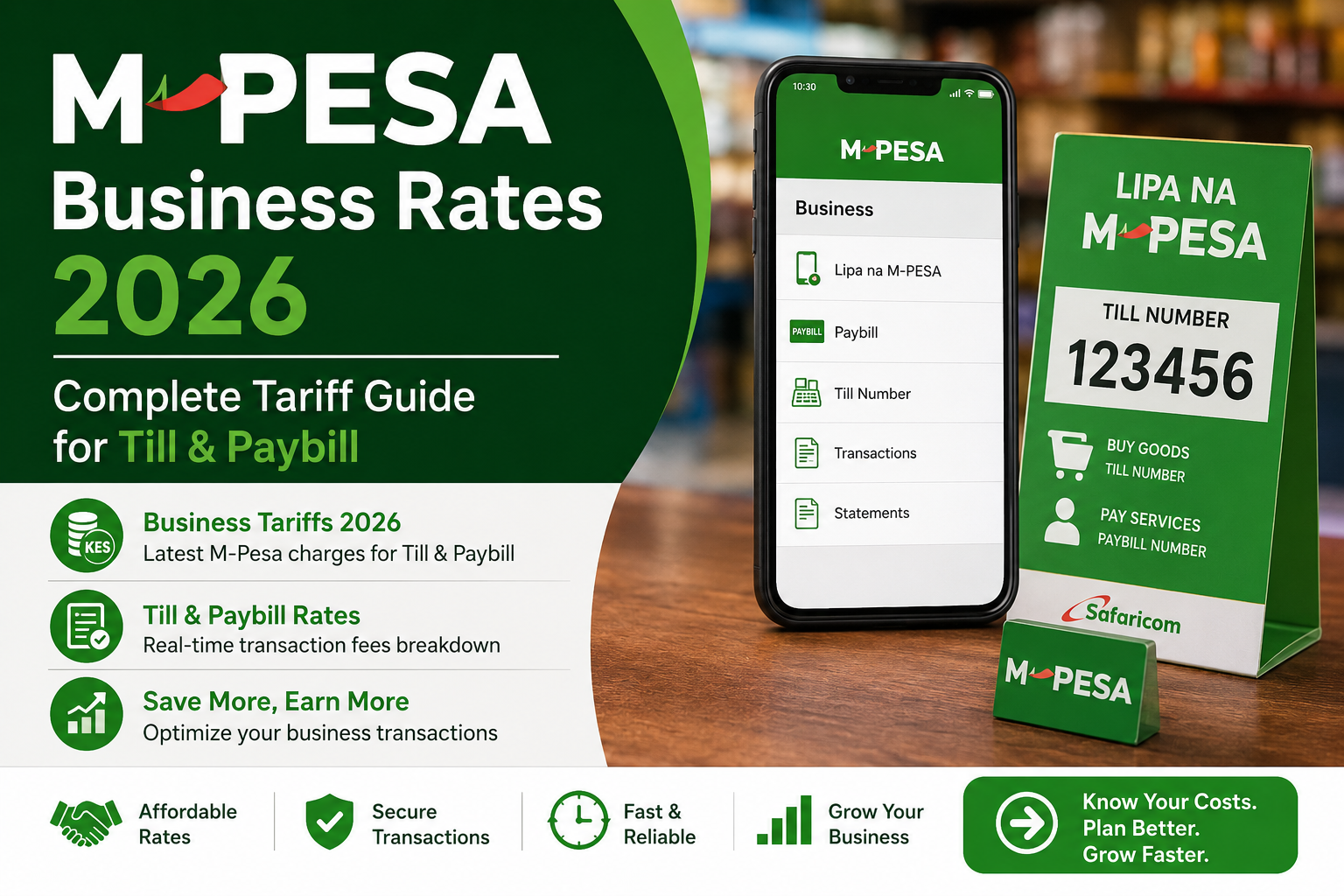
M-Pesa Business Rates 2026: Complete Tariff Guide for Till & Paybill
If you run a business in Kenya, M-Pesa is likely your primary source of revenue. However, if you do not fully understand the 2026 M-Pesa business tariffs, you could be losing thousands of shillings every month to hidden fees, unfavorable account setups, or inefficient withdrawal methods.
Safaricom frequently updates its Lipa Na M-Pesa (Buy Goods) and Paybill tariffs. Understanding the exact difference between a Till Number and a Paybill Number, how merchant commissions work, and what it costs to withdraw your money is crucial for your business cash flow.
Lipa Na M-Pesa (Till Number) Rates in 2026
When a customer walks into your shop and pays using a Till Number (Buy Goods), the fee structure is designed to be highly friendly to encourage cashless payments.
What the Customer Pays: For the customer, Lipa Na M-Pesa transactions remain incredibly cheap.
- Transactions between KES 0 and KES 100 are completely free.
- Transactions from KES 101 to KES 500 cost the customer a flat fee of KES 5.
- Transactions from KES 501 to KES 1,000 cost the customer KES 10.
- Transactions from KES 1,001 to KES 1,500 cost KES 15.
- Amounts between KES 1,501 and KES 2,500 cost KES 25.
- Amounts between KES 2,501 and KES 3,500 cost KES 35.
- Transactions from KES 3,501 to KES 5,000 cost KES 50.
- Any amount above KES 5,001 costs the customer a maximum of KES 85 to KES 110 depending on the exact amount.
What the Business Owner Earns (Merchant Commission): This is the best part of using a Till Number. When a customer pays you, Safaricom pays you a commission. In 2026, the standard merchant commission rate is roughly 0.5% to 1% of the transaction value, depending on your total monthly volume and the specific tier of the transaction.
For example, if a customer pays you KES 10,000, they are charged a small fee by Safaricom, but Safaricom deposits slightly more than KES 10,000 into your M-Pesa business account to cover your commission. You never pay to receive money on a Till Number.
M-Pesa Paybill Business Rates in 2026
Paybill numbers work differently from Till numbers and are generally used for service-based businesses, schools, churches, or businesses that need to integrate directly with their bank accounts.
There are two types of Paybill setups in 2026, and choosing the wrong one will cost you money.
1. Paybill Without a Bank Account (Float Account) With this setup, customer payments go directly into your M-Pesa business account (just like a Till Number).
- The customer pays the standard Paybill fee (which is slightly higher than Buy Goods fees, usually ranging from KES 10 to KES 150 depending on the amount).
- As the business, you still earn a small commission on the transaction, similar to the Till number structure.
2. Paybill Linked Directly to a Bank Account In this setup, the moment a customer pays the Paybill, the money bypasses your M-Pesa account entirely and goes straight to your KCB, Equity, or Co-op Bank account.
- The Catch: With a direct-to-bank Paybill, you do not earn the Lipa Na M-Pesa merchant commission. The money goes in at face value.
- Why use it? You use this to save money on withdrawal fees. If you normally pay high fees to move money from M-Pesa to your bank, a direct Paybill eliminates that step entirely, which can save you money on large transactions.
M-Pesa Business Account Withdrawal Rates to Bank
If you use a Till Number or a Float Paybill, your money sits in your M-Pesa Business Account. To use that money to pay suppliers, rent, or salaries, you usually need to transfer it to your corporate bank account.
Safaricom charges a fee for this Business to Bank (B2B) transfer. In 2026, the rates are tiered based on the amount:
- Transferring KES 50,000 to KES 100,000 to your bank costs roughly KES 200.
- Transferring KES 100,001 to KES 200,000 costs roughly KES 300.
- Transferring KES 200,001 to KES 300,000 costs roughly KES 400.
- Transferring KES 300,001 to KES 500,000 costs roughly KES 500.
- Transferring KES 500,001 to KES 1,000,000 costs roughly KES 700.
- Transfers above KES 1,000,000 up to KES 5,000,000 are capped at a maximum of roughly KES 1,500.
Pro Tip for 2026: Do not make multiple small transfers to your bank. Consolidate your funds and make one single weekly transfer to stay in the lowest possible fee bracket.
M-Pesa Agent Withdrawal Rates for Business Accounts
If you do not have a bank account and need to withdraw cash directly from an M-Pesa Agent using your Business Account, the rates are slightly higher than normal user withdrawals because it is treated as a commercial transaction.
- Withdrawing KES 1,000 to KES 2,500 will cost you roughly KES 50 to KES 60.
- Withdrawing KES 2,501 to KES 5,000 will cost roughly KES 100.
- Withdrawing KES 5,001 to KES 10,000 will cost roughly KES 150.
- Withdrawing KES 10,001 to KES 20,000 will cost roughly KES 200.
- Withdrawing KES 20,001 to KES 50,000 will cost roughly KES 300.
- Withdrawing KES 50,001 to KES 150,000 will cost roughly KES 600.
M-Pesa B2C Rates 2026: Paying Salaries & Suppliers
If you need to send money from your M-Pesa Business Account directly to your employees’ or suppliers’ personal M-Pesa lines, this is called a Business-to-Customer (B2C) transaction.
B2C rates in 2026 are structured to encourage businesses to move money into the economy:
- Sending KES 10 to KES 100 is free.
- Sending KES 101 to KES 500 costs the business KES 3 per transaction.
- Sending KES 501 to KES 1,000 costs KES 6.
- Sending KES 1,001 to KES 1,500 costs KES 13.
- Sending KES 1,501 to KES 2,500 costs KES 20.
- Sending KES 2,501 to KES 3,500 costs KES 27.
- Sending KES 3,501 to KES 5,000 costs KES 40.
- Sending KES 5,001 to KES 10,000 costs KES 60.
- Sending KES 10,001 to KES 20,000 costs KES 110.
- Sending KES 20,001 to KES 50,000 costs KES 200.
- Sending KES 50,001 to KES 150,000 costs KES 300.
Best Practice: Many businesses now use B2C APIs via accounting software to pay salaries directly to employee phones, entirely eliminating the need to go to the bank.
How to Reduce Your M-Pesa Business Costs in 2026
1. Negotiate Your Tariffs If your business processes over KES 1 million per month, do not accept the standard rates. Walk into a Safaricom Retail Shop or contact your dedicated Account Manager. Safaricom offers customized, discounted tariff tiers for high-volume merchants.
2. Stop Withdrawing Cash at Agents If you are paying rent in cash, you are losing money on Agent withdrawal fees plus the risk of carrying cash. Ask your landlord for their Paybill or Bank account and do a direct B2B transfer. It is safer and often cheaper.
3. Use an Accounting Software Integration Link your M-Pesa Business account to a cloud accounting software like QuickBooks, Zoho Books, or Ushahidi. This automates your reconciliation and helps you easily spot which payment methods are eating into your profits, allowing you to adjust your pricing accordingly.
4. Encourage Larger Transactions Since customer fees are capped at a maximum limit regardless of how large the transaction is, encourage customers to consolidate purchases. A customer buying items worth KES 20,000 in one transaction costs you less in processing time and integration overhead than ten customers buying KES 2,000 each.
Frequently Asked Questions (FAQs)
Does it cost money to get an M-Pesa Till Number in Kenya? No, registering for a standard Lipa Na M-Pesa Till Number is completely free in 2026. You only need your business registration certificate (or ID for sole proprietors), a KRA PIN, and an active M-Pesa line. However, if you want a customized Paybill number (e.g., choosing your own digits), Safaricom charges a one-time premium fee.
How long does it take for M-Pesa business money to reflect in my bank account? If you are using a direct-to-bank Paybill, funds typically reflect within 1 to 2 hours. If you are manually doing a Business-to-Bank transfer from your M-Pesa float, it usually reflects within 30 minutes to 4 hours, depending on your bank’s processing times.
Can I have two M-Pesa Till Numbers for one business? Yes, but Safaricom prefers you to use one primary Till Number and utilize the “Till Sub-Accounts” feature instead. This allows you to track different departments or branches under one main business account, making it easier to negotiate higher commission tiers based on your combined volume.
What happens if a customer claims they paid but I didn’t receive the money? Do not argue with the customer. Ask them for the M-Pesa confirmation SMS. Check your M-Pesa Business App (or use the USSD code *234#) to verify the transaction. If it does not appear, ask the customer to forward the SMS to 456 to reverse the transaction. Never release goods based on a screenshot; only trust the actual SMS or your own app.
Is there a maximum amount my M-Pesa Business Account can hold? There is no strict maximum balance for a fully registered and verified business account in 2026, provided you have completed all KYC (Know Your Customer) requirements with your KRA PIN and registration documents. However, extremely large, sudden deposits may trigger Safaricom’s fraud detection systems, so it is best to notify your account manager if you expect a massive transaction.
Conclusion: Understanding the 2026 M-Pesa Business tariffs is not just about knowing what customers pay; it is about optimizing your own merchant commissions and minimizing bank transfer fees. By choosing the right mix of Till Numbers, Paybills, and B2C transfers, you can significantly boost your business’s bottom line in Kenya’s digital economy.